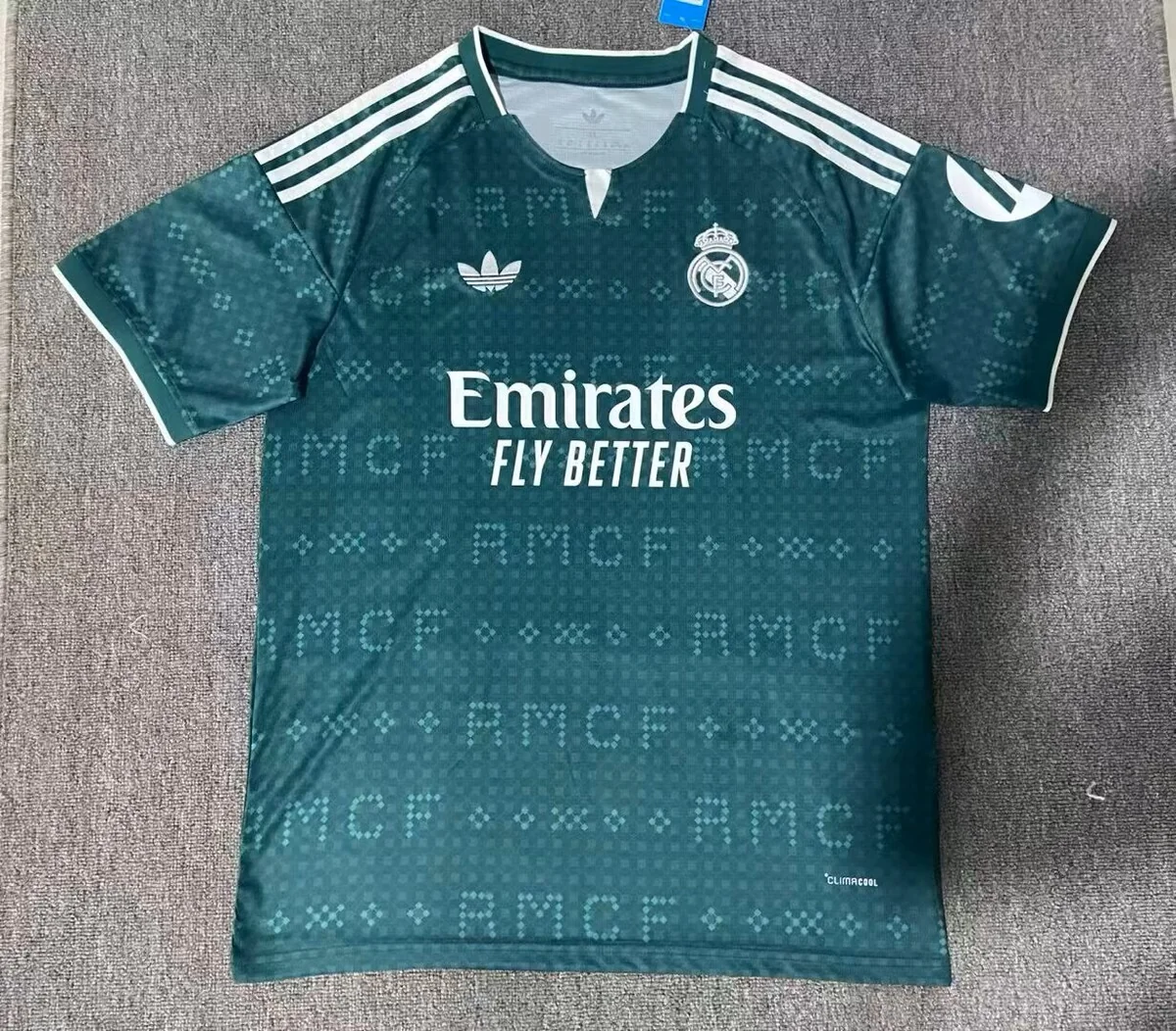
Real Madrid 26/27 Away Football Jersey
A dark teal front combines tonal repeated lettering with white shoulder stripes and white chest printing.
wlh-248118800Keep each club, season, Home/Away/Third design and size on its own line.
Real Madrid Away, Barcelona Third and Manchester United Third are three separate references. Use the full product link instead of descriptions such as green shirt or white shirt. Add the catalogue season and reference beside each selection.
If two buyers want the same design in different sizes, create two rows. If only one shirt needs a name or number, record printing only on that row. Sum pieces after checking the reference-and-size combinations.
Similar colours can appear across clubs and seasons. Ask for the exact reference to be confirmed and mark any possible alternative as optional. A repeat order should use the saved product list and updated availability confirmation.
The contact button opens the short greeting and Footballarc homepage link you requested. Copy the list below first, then paste it into your WhatsApp conversation. List preparation takes place in your browser and does not place an order.
Compare the pictured designs. Open each product for its gallery and reference.
A dark teal front combines tonal repeated lettering with white shoulder stripes and white chest printing.
wlh-248118800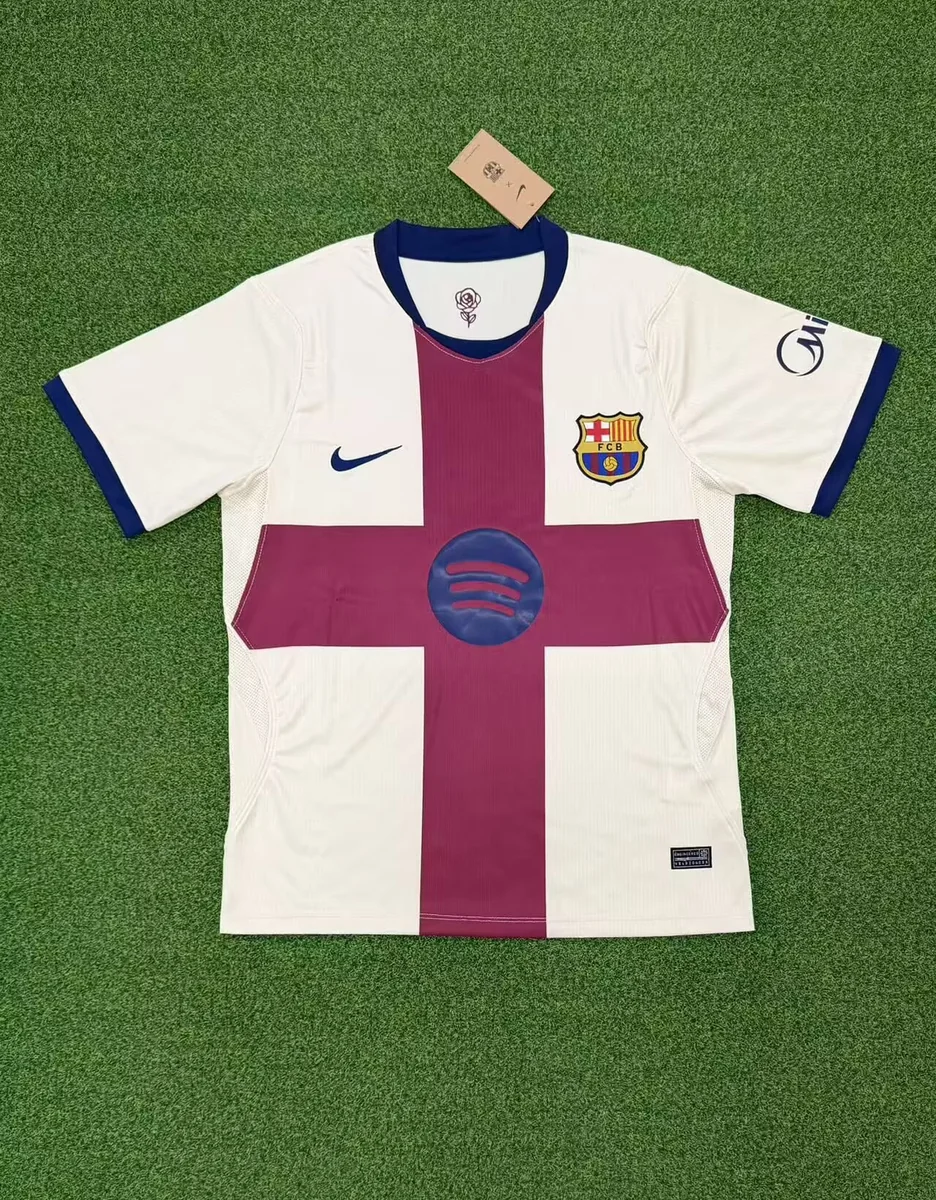
A light-coloured front is crossed by broad burgundy horizontal and vertical bands, with dark sleeve and neckline trim.
wlh-247756759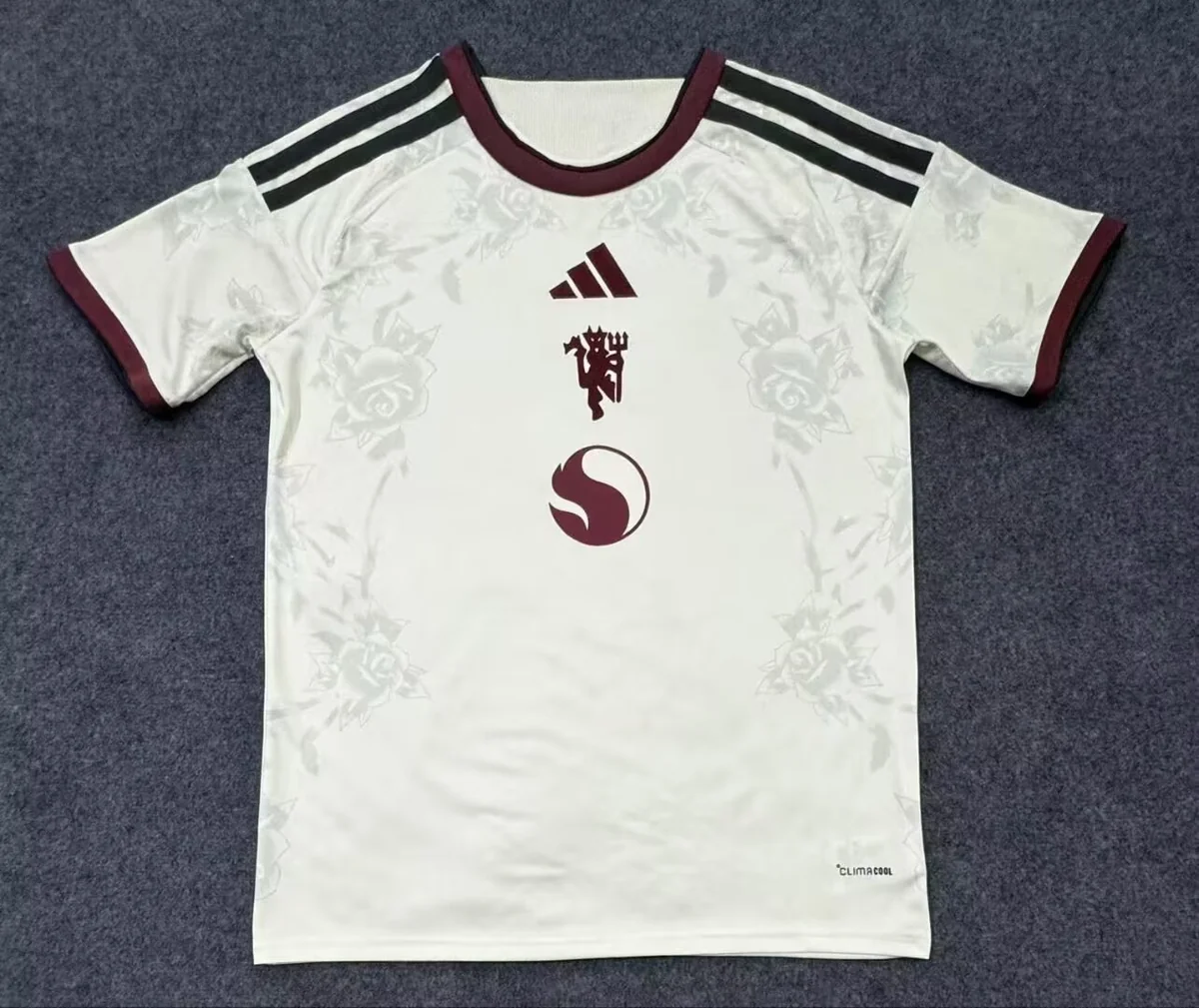
A pale front has tonal decorative graphics, dark shoulder stripes and burgundy neckline and sleeve trim.
wlh-247268188